
A gmail or google mail email account is almost essential when using an android based tablet.
- in your browser go to www.gmail.com
- click on Create an account
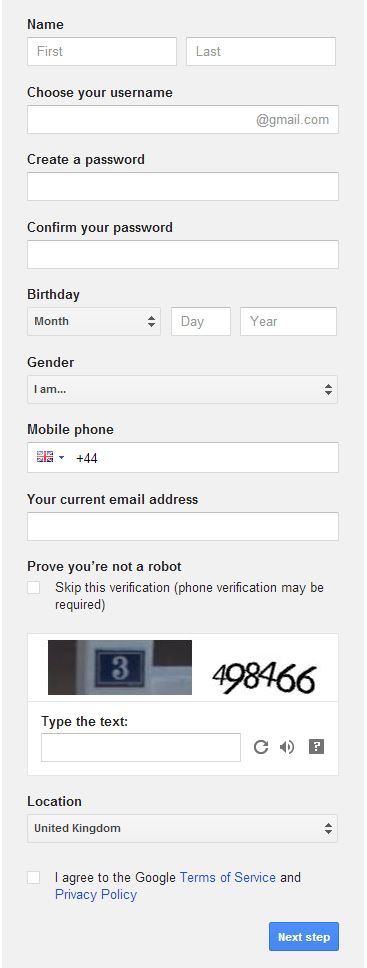
- complete the details
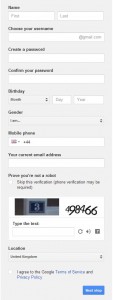
- After typing in your preferred username move to the next field to check its availability
- write down your password
- have a mobile number handy
- you don’t have to have an alternate email address or mobile
- enlarge the screen if you can’t see the verification
- make sure to tick to agree the T’s & C’s
- There’s no need to add a photo
- press next and then continue – your email is set up
1 thought on “Setting up a gmail account”