
Password Manager tools
A password manager is a tool/app which allows you to put all your passwords in a vault which you can open with a single key (password). Some allow you to store the vault on multiple devices by keeping a synchronised copy securely in the cloud.
Password managers:
- keep all your passwords encrypted
- can store and sync the passwords between your devices
- keep a copy of your passwords in the cloud
- keep the local copies encrypted as well
- are virtually impossible to be broken into
- can have two factor encryption
- can generate new passwords for you
- can autocomplete passwords securely
There are more and more of these coming on to the market, but some of the popular ones are:
- Lastpass
- Dashlane
- Roboform
- Keepass Password Safe (open source)
- Sticky password
Go online and everyone’s got a view…
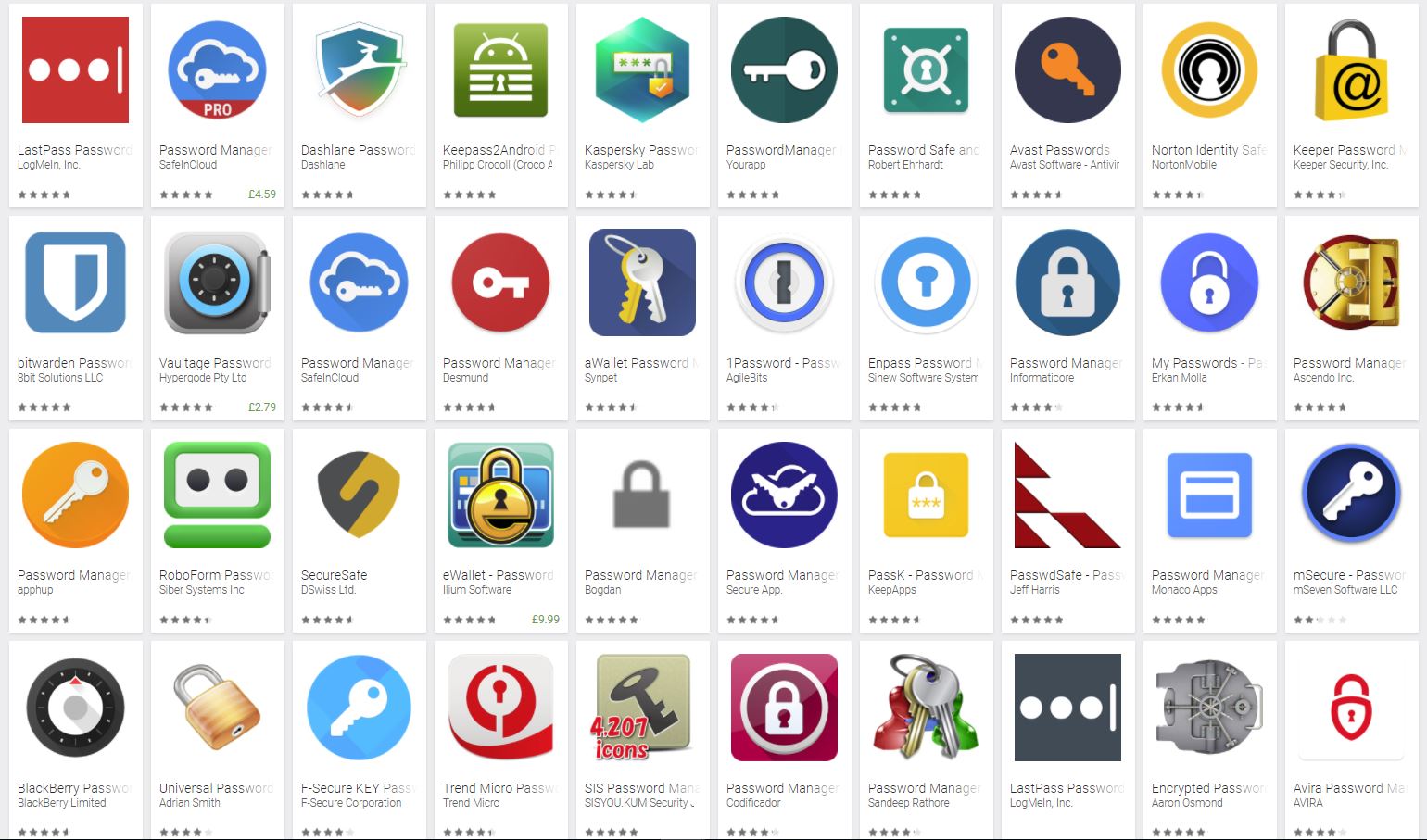
and here’s what the play store threw up:
Installing a password manager is easy, but you will need to use an email account to set up the account (use one of our tablets) and you will need to set up a master password (if you are using our tablets, please use our STANDARD PASSWORD) so that others cn use/experiment with the app. Try one of the 5 from the list. set up the account and then set up a simple password in the vault. You could set it up for logging in to the gmail account on the device you are using.